To add the Latest Posts block, click the + block inserter icon and search for “latest posts”. Click to add the block to a page, post, or template.
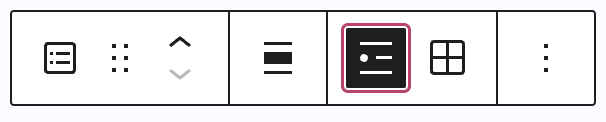
The Latest Posts block has the following options in its toolbar:
- Change block type.
- Drag the block.
- Move the block up or down.
- Align to the left, right, or center (plus wide and full width options if supported by the theme.)
- Display the posts in a list view.
- Display the posts in a grid view.
- More options.